
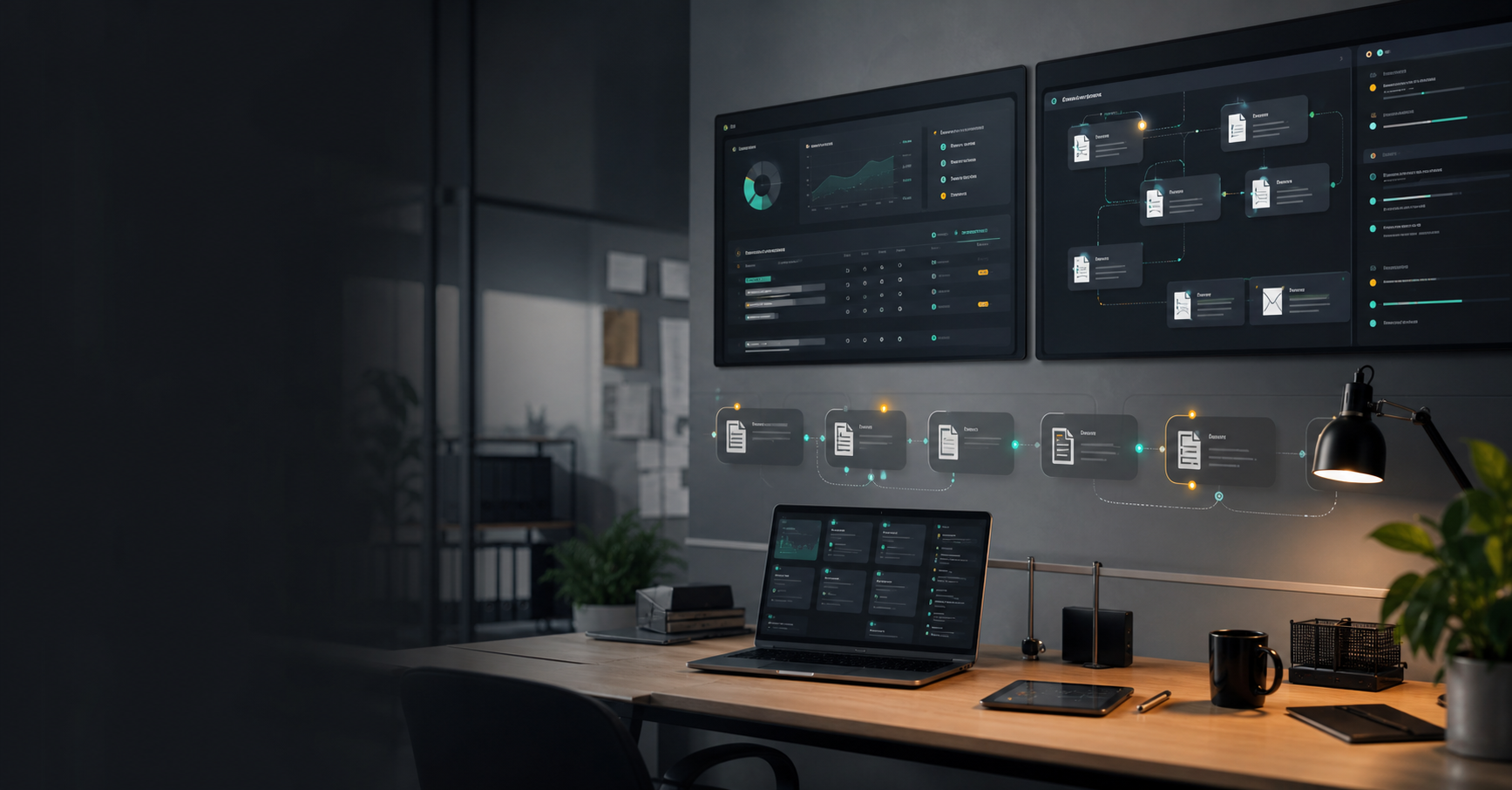
Enquiries, quotes, tenders, finance admin, documents, job notes, approvals, and follow-up need less chasing.
Explore business automationSmart automation for businesses, buildings, sites, homes, and operations
Install smarter systems. Automate the work around them.
WattsLabs designs and installs connected technology, then gives it the automation layer it needs to be genuinely useful: AI office staff, smart home control, OT, BMS, lighting, climate, security, access, workflows, dashboards, alerts, and ongoing support.
Business workflows
Smart homes
OT and BMS
Dashboards and alerts
Find your starting point
Start with the problem you recognise.
You do not need to know whether the answer is AI, OT, BMS, integration, dashboarding, smart installation, or workflow design. Pick the pain point and WattsLabs will map the useful first step.
BMS, HVAC, lighting, metering, access, alarms, sensors, and maintenance need clearer control.
Explore OT/BMSJobs, stock, maintenance, suppliers, compliance, alerts, and handovers need a calmer operating view.
Explore industrial automationAgriculture and horticulture teams need dashboards, alerts, crop notes, compliance, and owner reports.
Explore agriculture automationLighting, heating, blinds, security, cameras, access, routines, and digital butler control should feel joined up.
Explore smart home installationBring the system, process, building, property, or idea. The first job is finding what is worth automating.
Book the free auditWhat WattsLabs does
Practical smart technology for companies, homes, buildings, sites, and serious projects.
The best systems are not piles of apps. They are designed around the people using them, the building or site they support, the work they connect, and the value they create. WattsLabs brings install, integration, automation, OT/BMS, and AI thinking together.
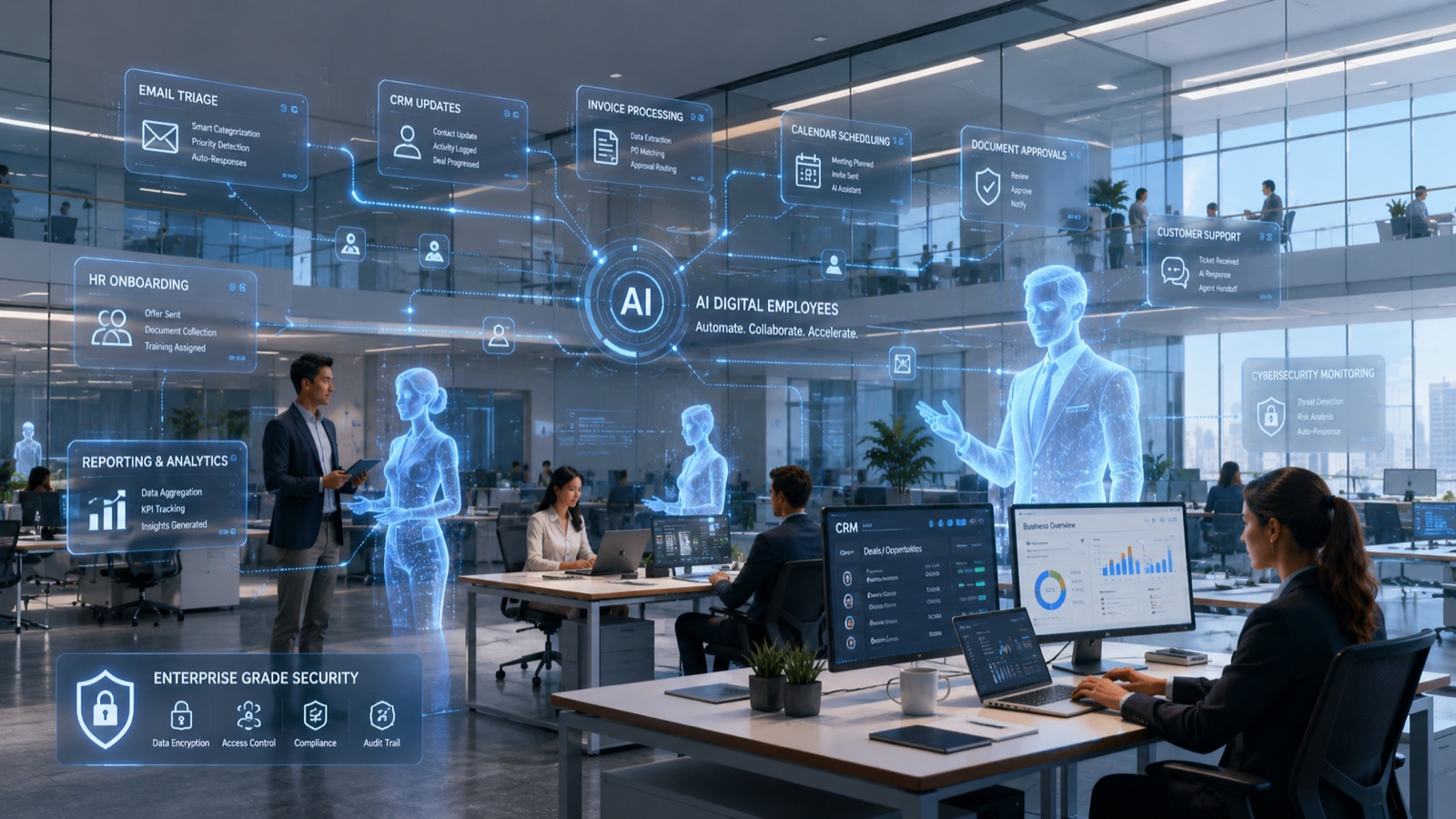 For businesses
AI office staff and workflow automation
Digital employees that help run the back office: enquiries, jobs, quotes, tenders, documents, finance admin, reporting, and owner visibility.
- AI office managers, receptionists, finance assistants, and follow-up staff
- Quote, tender, document, enquiry, and job automation
- Dashboards for owners, teams, deadlines, approvals, and handovers
- Systems designed around your existing tools where possible
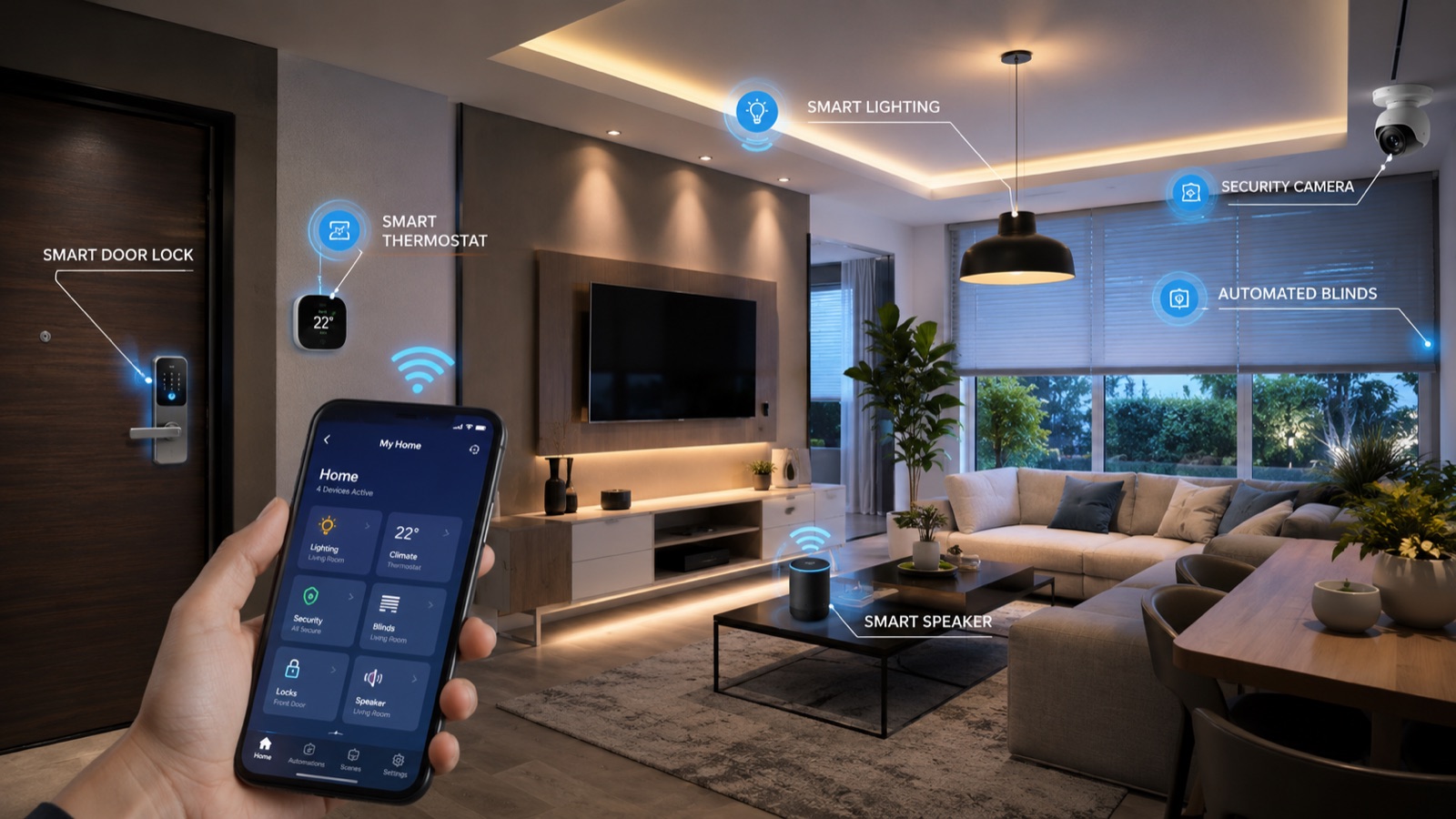 For homes and properties
Smart home installation and digital butlers
Connected homes that feel joined up: lighting, climate, blinds, audio, security, cameras, access, routines, alerts, and control from phone, voice, dashboards, or wall panels.
- Smart lighting, heating, blinds, audio, sensors, scenes, and routines
- Security, cameras, locks, access, presence, and away modes
- Home digital butlers for reminders, routines, and daily control
- Installation planning with qualified trade partners where required
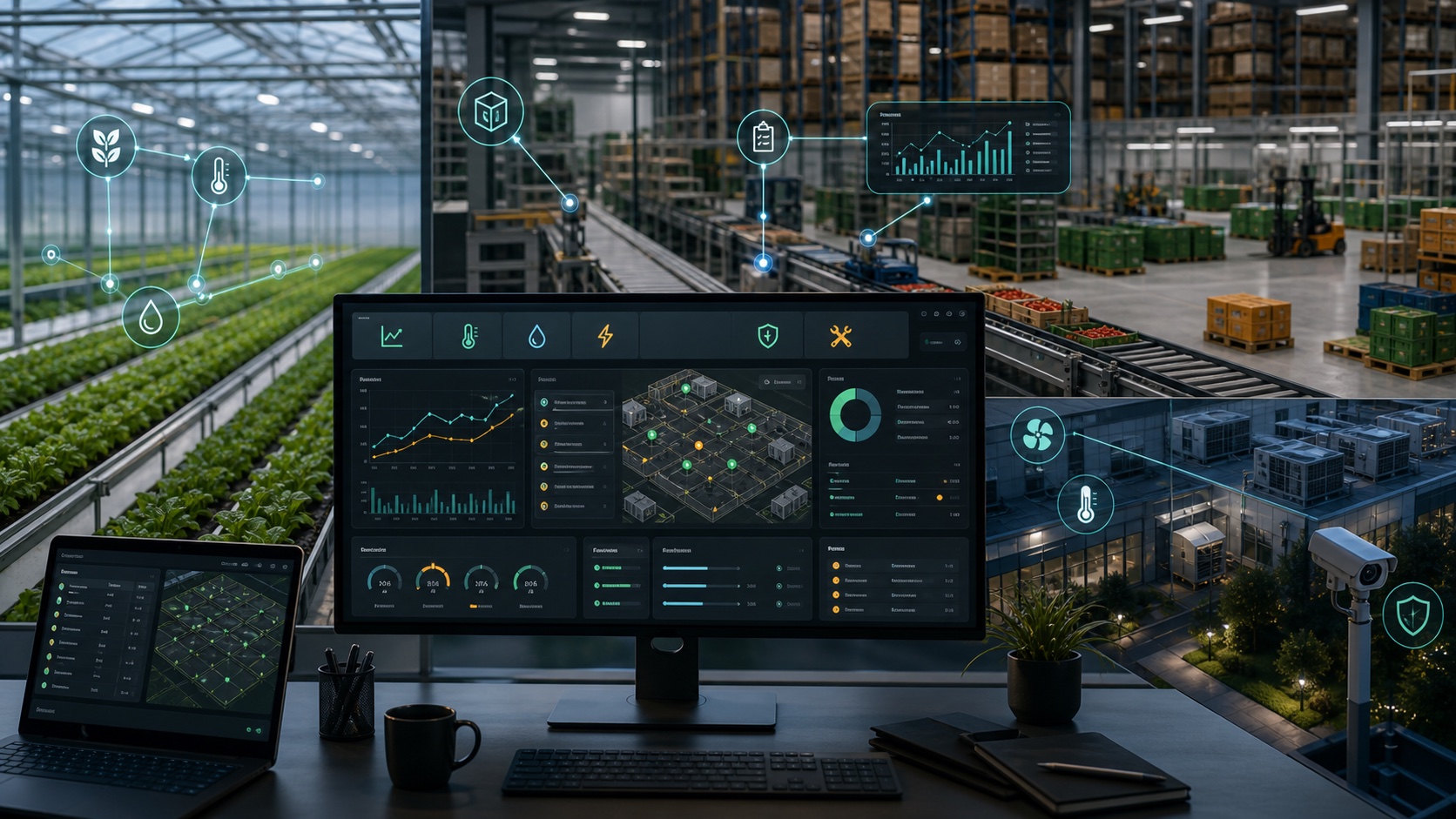 For sectors and sites
OT, BMS, agriculture, industrial, and connected operations
Buildings, sites, farms, growers, workshops, warehouses, packhouses, and project-heavy teams need dashboards, alerts, workflows, documents, and handovers built around real operational pressure.
- Operational technology, BMS, HVAC, lighting, metering, access, alarms, and site controls
- Agriculture and horticulture dashboards, crop notes, irrigation, and packhouse workflows
- Industrial job boards, maintenance logs, stock, suppliers, and compliance
- Support, documentation, training, and sensible expansion plans
Sector automation
Automation for OT, BMS, agriculture, horticulture, industrial operations, and project-heavy sites.
WattsLabs is useful where work moves through people, equipment, buildings, devices, documents, deadlines, alarms, and decisions. These sectors need clear dashboards, reliable alerts, practical workflows, and sensible control.
Operational technology and BMS
Building management systems, HVAC, lighting, metering, access, alarms, sensors, maintenance, dashboards, and alerts.
Explore OT/BMS
Agriculture and horticulture
Grower dashboards, crop notes, irrigation, fertigation, labour, weather, packhouse, compliance, and owner reports.
Explore agriculture
Industrial automation
Workshop control, warehouse workflows, maintenance logs, stock, supplier documents, compliance, and alerts.
Explore industrial
Business back office
AI office managers, quotes, tenders, finance admin, documents, approvals, jobs, and customer follow-up.
Explore business AI
Install plus intelligence
A smart install is only half the job. The magic is making it work every day.
WattsLabs can help plan what should be installed, how it should be controlled, what should happen automatically, where human approval is needed, and how the system should be supported after handover.
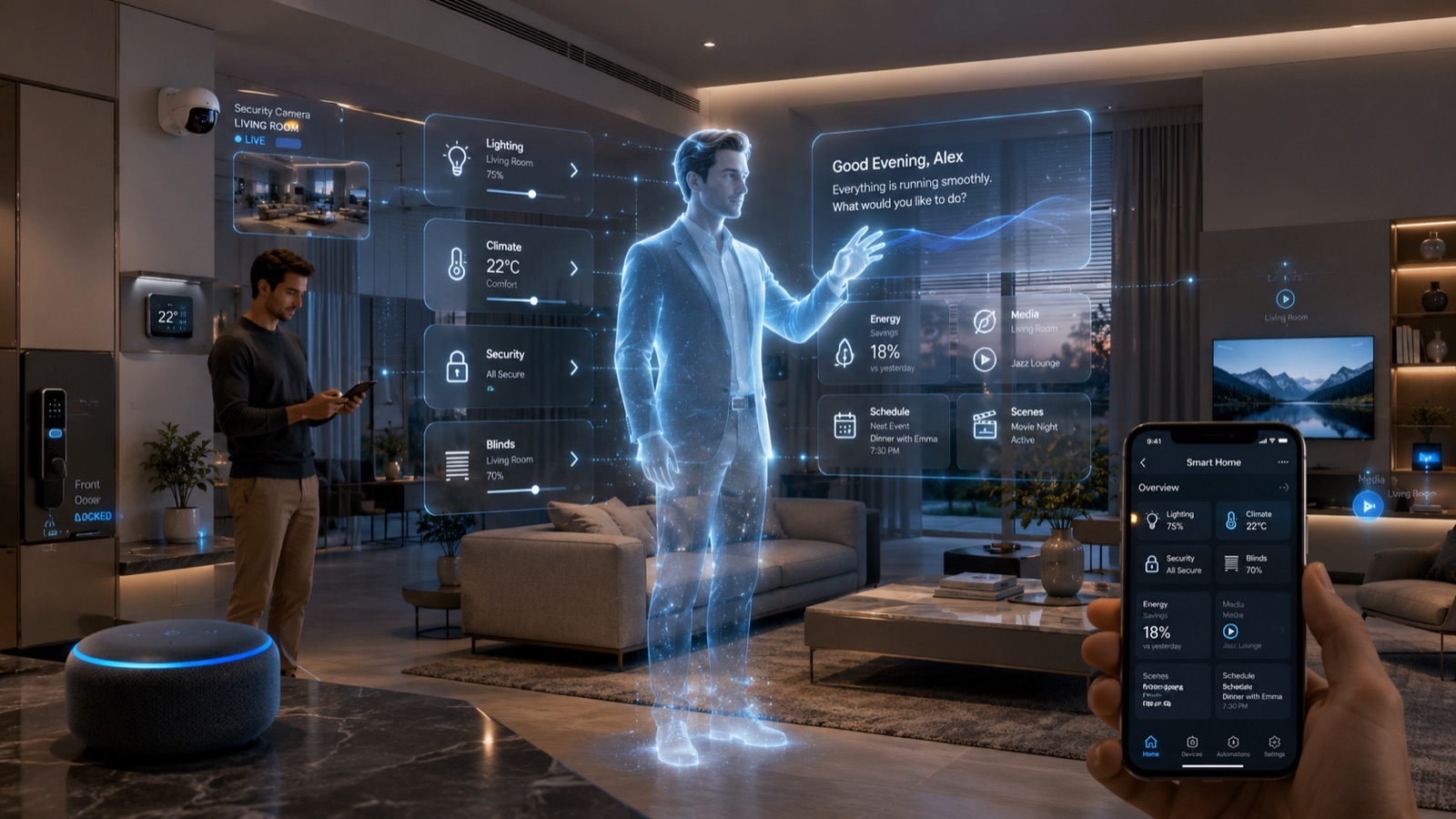
Lighting, heating, blinds, access, cameras, sensors, scenes, audio, wall controls, and mobile control.
Back-office workflows, AI office staff, documents, quotes, tenders, finance admin, tasks, and reporting.
Dashboards that bring devices, jobs, alerts, approvals, data, and status into one useful view.
Clear handover, tuning, documentation, training, improvements, and expansion when the first phase proves value.
Business systems
Digital staff for the office work that slows growth down.
WattsLabs still has a strong AI automation offer, but it works best when it is grounded in real operational pain: missed enquiries, late quotes, tender pressure, finance admin, messy job notes, and reporting that depends on someone chasing five different places.
01
AI Office Manager
Coordinates enquiries, tasks, jobs, reminders, files, follow-ups, approvals, and owner dashboards.
02
Quotes and Tenders
Extracts requirements, tracks deadlines, prepares drafts, builds checklists, and keeps the bid moving.
03
Finance Admin
Organises invoices, costs, payment reminders, supplier documents, purchase notes, and weekly reports.
04
Operations Dashboard
Turns disconnected tools, spreadsheets, forms, and messages into one clearer operating view.
Smart homes and property
From individual devices to a home that feels properly connected.
A strong smart home is not about showing off technology. It is about comfort, security, reliability, energy habits, and simple control. WattsLabs designs the system around the property and the people who use it.
Lighting and scenes
Rooms, moods, schedules, presence, outside lighting, night paths, and one-touch routines.
Climate and energy
Heating, cooling, occupancy, smart schedules, comfort modes, and practical energy visibility.
Security and access
Cameras, locks, sensors, gates, presence, away mode, alerts, and sensible permissions.
Digital butler control
Routines, reminders, guest modes, voice control, phone control, wall panels, and automation logic.
First step
Start with a free 20-minute automation audit for any use case.
Bring any workflow, building system, BMS, OT setup, industrial process, farm operation, smart home plan, security concern, dashboard, or connected system that needs to work better. We map the result, the systems involved, and the simplest useful first phase.
What the audit looks at
- What should be installed, automated, connected, monitored, or simplified
- Which devices, systems, tools, files, apps, or workflows already exist
- Where smart control, AI support, OT/BMS data, dashboards, or alerts would help
- Security, permissions, approval points, and handover requirements
- A practical first phase with clear value before anything gets overbuilt
Cast-iron examples
Useful automation has a clear before and after.
The right project might be a smart home installation, BMS dashboard, OT alert flow, business back-office system, AI office manager, workshop dashboard, farm control view, or security upgrade. The point is the same: make the system easier to run.
See practical automation examples
Smart home retrofit
Lighting, heating, blinds, cameras, locks, routines, and phone or wall-panel control.
AI office manager
Enquiries, job intake, customer updates, documents, tasks, reminders, and owner visibility.
Grower command centre
Dashboards for crops, labour, irrigation, weather, tasks, exceptions, and reports.
BMS and OT dashboard
Building systems, HVAC, metering, access, alarms, maintenance, alerts, and site reports.
Process
A clear path from idea to working system.
WattsLabs helps with the thinking before the install, the automation after the install, and the support that makes the system worth keeping.
Map the property, workflow, people, devices, documents, data, and decisions involved.
Choose the smart controls, automation logic, AI support, dashboards, and install plan.
Install, integrate, connect, automate, test, and keep human control where it matters.
Hand over clearly, tune what gets used, document the setup, and expand sensibly.
Security and trust
Smart systems need proper boundaries from day one.
Connected technology can touch cameras, access, customer data, finance records, documents, devices, alerts, and private routines. WattsLabs designs with sensible permissions, secure handover, and clear control.
Users, devices, dashboards, AI staff, cameras, and automations are planned around who should control what.
AI can draft, extract, alert, and organise while people keep control of high-impact actions.
Systems should be documented, understandable, maintainable, and not dependent on guesswork.
Start with a useful first phase, then expand without creating a fragile tangle of disconnected tech.
Fit
Good projects start with something worth improving.
Who is this for?
Owner-led companies, homeowners, landlords, property managers, growing teams, and operators who want smart systems that actually help.
Is this only AI automation?
No. WattsLabs covers smart home installation, connected property systems, business workflows, AI office staff, dashboards, and integration.
Do I need to replace everything?
Usually not. The first phase often connects what already exists, then improves the parts that cause the most friction.
What should I bring?
Bring one property, workflow, smart-home idea, security issue, admin headache, or system you want to make easier to run.
Contact
Tell WattsLabs what you want to make smarter.
Send the business workflow, smart home install, property system, OT/BMS setup, industrial process, agriculture workflow, security setup, AI office staff idea, dashboard, or automation project you want turned into something useful.
- What do you want installed, monitored, connected, or automated?
- What tools, devices, files, apps, or systems are already involved?
- What would a successful first phase look like?